Do I need to print my Oregon fishing license?
It’s a common worry for many anglers in our beautiful state: you've finally purchased your Oregon fishing license online, got that confirmation email, and now you’re staring at your phone, wondering if that's truly enough. The digital age has brought a lot of convenience, but for many of us, the nagging question remains: do you really need a physical printout of your Oregon fishing license, or can your phone save the day when a game warden asks to see it? This guide will clear up the confusion and give you the real scoop.
The Digital Convenience vs. Traditional Expectations
Gone are the days when a crisp, paper license tucked into your wallet was the only universally accepted proof you could legally cast a line. Oregon, like many other states, has embraced technology to make things a little easier for anglers. However, this shift can sometimes leave us feeling a bit uncertain, especially when old habits die hard, or when the unexpected happens out on the water.
Understanding Oregon's Digital License Policy
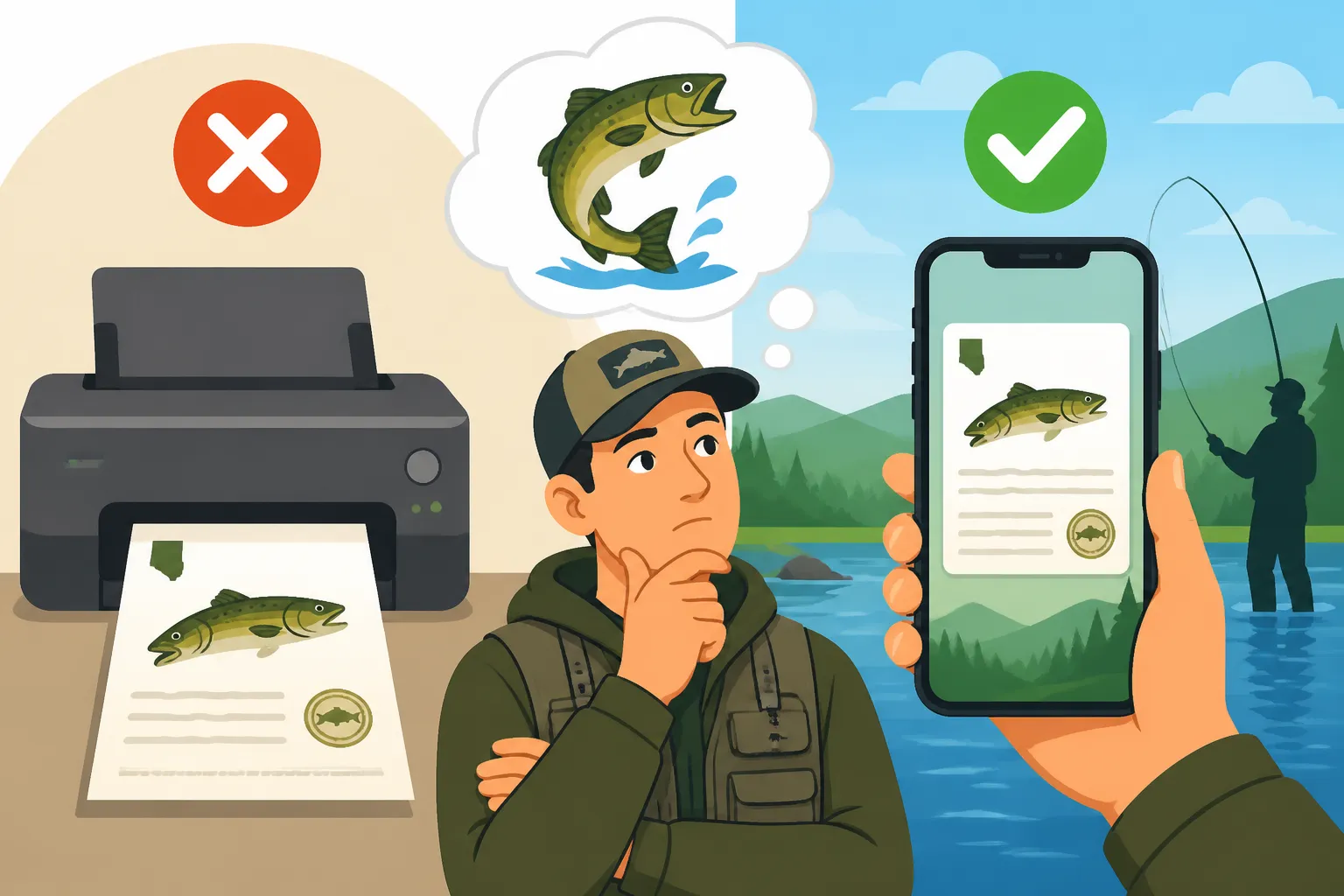
The good news is that for your general Oregon angling license, a digital copy displayed on your smartphone or other mobile device is absolutely acceptable. The Oregon Department of Fish and Wildlife (ODFW) understands that most people carry their phones everywhere, and requiring a physical printout for every single trip can be a real hassle. This means you don't necessarily have to rush to a printer after buying your license online. You can simply open the email confirmation, pull it up on the MyODFW app, or even show a clear screenshot of your valid license.
This policy is a huge relief for folks who prefer to buy their Oregon fishing license online or might forget to print it before heading out to a favorite fishing hole. Imagine buying your license on a Friday evening, packing up the car, and realizing you forgot to hit print. With Oregon's digital acceptance, you can breathe easy knowing that your phone is your ticket to a great day on the water. It's all about making fishing more accessible, and less about bureaucratic hurdles.
When a Physical Copy Might Still Be Handy
While the digital option is fantastic, let's be realistic – technology isn't always foolproof in the rugged outdoors. There are definitely scenarios where having a physical printout of your Oregon fishing license can be a real lifesaver, or at least save you some stress. Think about those remote fishing spots deep in the Cascades or along the vast Oregon Coast where cell service is practically a myth. You might have your digital license ready, but if your phone can't connect, or the battery dies after a long day of mapping fish habitat, you could be in a bind.
Many seasoned anglers I know, myself included, still prefer to carry a laminated printout or at least a paper copy tucked away. It’s a backup against the elements, against accidental drops in the river, or against that sudden downpour that might render your phone unusable. Plus, for some, the tactile reassurance of a physical card is just part of the fishing tradition. It's always a good idea to consider these factors, especially if you plan on extended trips where recharging your device isn't an option.
Navigating Proof of License in the Field
So, you've decided to go digital. Great! But how do you actually present your license to a game warden or enforcement officer if they ask? It's not just about having it on your phone; it's about being able to display it clearly and quickly. Being prepared can make the interaction smooth and pleasant, allowing you to get back to fishing as soon as possible.
Acceptable Digital Formats
When you purchase your Oregon fishing license, you'll typically receive an email confirmation. This email, when displayed on your phone, is generally considered valid proof. The key is that the information—your name, license number, and the validity dates—must be clearly legible. The MyODFW app is another excellent resource, often showing a simplified, easy-to-read version of your current licenses and endorsements. If you’ve downloaded your license to the app, you won’t even need cell service to display it.
A common and often effective method is to simply take a screenshot of your valid license or the confirmation email. This creates an image file that's easy to access in your phone's photo gallery, even if you lose internet connection. Just make sure the screenshot is recent and clearly shows all necessary details. It's about demonstrating due diligence; you've bought the license, and you're making a reasonable effort to prove it. Remember, an enforcement officer’s main goal is to ensure you’re compliant, not to play hide-and-seek with your digital documents.
Preparing for the Unexpected: Backups and Best Practices
Even with digital licenses, wise anglers always have a contingency plan. A dead phone battery is probably the most common culprit for anglers running into issues. Investing in a small, portable power bank can be a game-changer, ensuring your phone stays charged all day. You can find reliable ones on sites like Amazon that are compact and built to withstand a little outdoor ruggedness.
Another smart move is to save a copy of your license (either a PDF or a screenshot) to a cloud storage service or email it to a fishing buddy. This way, if your phone bites the dust, you might be able to access it from another device or have a friend show it on their phone. Some folks even keep a spare, older phone charged with just their license and emergency contacts for truly remote adventures. Think of it as your digital spare tire – you hope you don't need it, but you're glad it's there. This kind of preparation can save you from potential headaches or even Fishing Without a License Penalties in Oregon.
Additional Tags and Endorsements: What About Those?
This is where things can get a little nuanced, and it’s a critical distinction to understand. While your base angling license is generally fine digitally, certain specific tags and endorsements often have different requirements due to the need for physical interaction—like recording your catch.
Combined Angling Tags and Harvest Cards
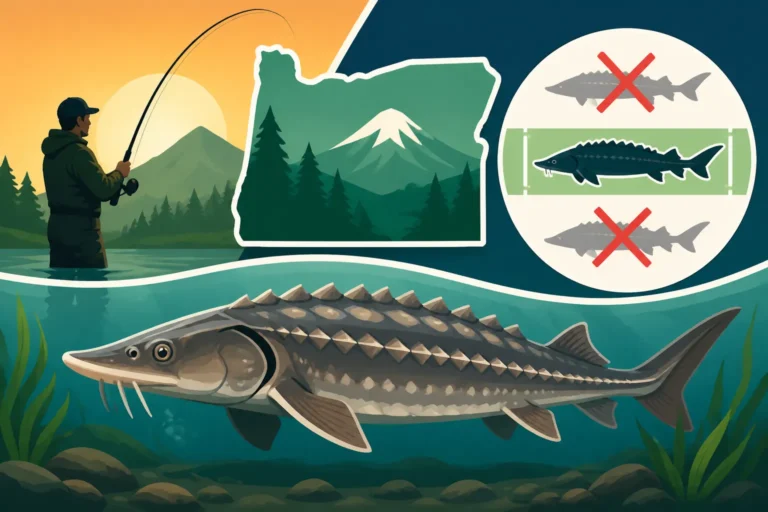
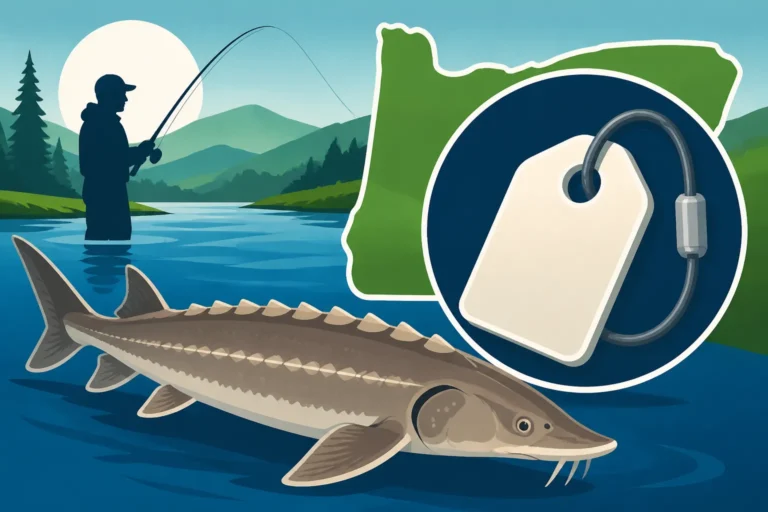
Here’s the big one: for species like salmon, steelhead, sturgeon, and halibut, Oregon requires a Combined Angling Tag, which includes harvest cards that must be physically present and filled out immediately upon retaining one of these fish. These are not typically available in a digital, fillable format that satisfies ODFW requirements. Imagine trying to scribble a legal-sized Chinook salmon on a phone screen in the rain! It simply doesn't work logistically.
So, if you plan on targeting these prized species, you absolutely need to have the physical Oregon Catch Record Card Requirements with you. You'll typically get these when you purchase your Oregon Combined Angling Tag Guide from an ODFW license agent or when it's mailed to you if you bought it online. This physical card is crucial for tracking your harvest and ensuring you stay within Oregon Daily Bag Limits Explained. Failing to have and properly fill out these cards can lead to fines, even if you have your general angling license on your phone.
Ocean and Columbia River Basin Endorsements
Fortunately, endorsements like the Oregon Ocean Endorsement or the Oregon Columbia River Basin Endorsement are typically part of your overall angling license record. These aren't separate physical cards that require field notations. When a game warden checks your main license record, whether digital or physical, these endorsements will usually be visible as part of your valid privileges.
So, while you still need to purchase these endorsements if you're fishing in those specific zones (and trust me, you definitely do if you’re fishing for salmon or steelhead in the Columbia River Basin or going offshore), you don't need a separate physical piece of paper for them. They're more like digital "add-ons" to your core fishing license, seamlessly integrated into your angler profile. This makes things a bit simpler, as you only have to worry about the main license proof and the physical harvest tags for specific species.
Here's a quick reference table to summarize the general requirements for different Oregon fishing components:
| License/Tag Type | Digital Display (Phone/App) Acceptable? | Physical Printout/Card Recommended? | Physical Printout/Card Required? |
|---|---|---|---|
| Annual Angling License | YES | Recommended for backup | NO (digital is fine) |
| 1-Day/Multi-Day License | YES | Recommended for backup | NO (digital is fine) |
| Youth Fishing License | YES | Recommended for backup | NO (digital is fine) |
| Combined Angling Tag | Partially (proof of purchase) | YES (for harvest cards) | YES (harvest cards must be physical) |
| Salmon/Steelhead Tag | No (part of Combined Angling Tag) | YES | YES (physical card for recording) |
| Sturgeon Tag | No (part of Combined Angling Tag) | YES | YES (physical card for recording) |
| Halibut Tag | No (part of Combined Angling Tag) | YES | YES (physical card for recording) |
| Shellfish License | YES | Recommended for backup | NO (digital is fine) |
| Ocean Endorsement | YES (part of main license) | No (digital is fine) | NO |
| Columbia River Basin End. | YES (part of main license) | No (digital is fine) | NO |
Practical Tips for Oregon Anglers
Being prepared goes beyond just having the right license; it's about making your fishing experience as smooth and enjoyable as possible. A little forethought can prevent a lot of frustration out on the water.
Ensuring Your Digital License is Always Accessible
To rely solely on your phone for your Oregon fishing license, you need to ensure it's always accessible. First, download the MyODFW app and log in to connect your license. This often provides the most seamless way to display your license without needing an internet connection. Second, consider saving a PDF version of your license or a high-quality screenshot to your phone's photo album or a dedicated folder. This way, it's quickly retrievable, even if an app crashes or you're offline.
Beyond the technical aspects, get into the habit of fully charging your phone before every fishing trip, especially if it's a long day. If you're fishing in a boat, make sure your phone is in a waterproof pouch or case. You can find excellent, inexpensive waterproof phone pouches on Amazon that float, giving you peace of mind if it accidentally goes overboard. This simple step protects not just your license, but your communication device as well!
Sourcing Physical Copies If You Choose To
For those who still prefer a tangible copy or need those physical harvest cards, getting a printout is easy. If you bought your license online, you can simply print the confirmation email or the PDF license from your home computer. Many anglers choose to laminate these at home with a simple laminating machine (also readily available on Amazon) or at a local office supply store to protect them from moisture and wear.
If you prefer to buy your license in person, which many people still do, you can visit any authorized ODFW license agent. These include many sporting goods stores, tackle shops, and some general stores across the state. They'll print your license and any necessary tags on the spot, ensuring you walk out with exactly what you need. For more details on where to buy one, check out our guide on Where to Buy an Oregon Fishing License. This can be especially helpful if you need those physical catch record cards immediately for an upcoming trip targeting salmon or steelhead.
Disclaimer
The information provided in this guide is for general informational purposes only and does not constitute legal advice. While we strive to provide accurate and up-to-date information, fishing regulations and licensing requirements in Oregon can change. It is always the angler's responsibility to consult the most current Oregon Department of Fish and Wildlife (ODFW) regulations and official resources before fishing.