Oregon fishing license instant download after purchase
The thrill of planning a fishing trip in Oregon can quickly turn to a mild panic when you suddenly remember, "Oh wait, I need a license!" In today's fast-paced world, many of us expect instant gratification, and when it comes to official documents, it’s easy to wonder if an online fishing license purchase will actually be immediately valid. The good news is, getting your Oregon fishing license after an online purchase can be instant, allowing you to get out on the water without delay. This guide will walk you through exactly how that instant download works, what to look for, and how to make sure you're legally ready to fish.
The Immediate Aftermath of Your Online Purchase
Once you've navigated the Oregon Department of Fish and Wildlife (ODFW) licensing system and clicked that final "purchase" button, you're probably wondering what happens next. Will a game warden really accept a screenshot? Do you have to wait for something in the mail? Let's clear up that initial confusion right away. The core idea behind an "instant download" is precisely that: immediate access to a valid document proving your license purchase.
Understanding the Online Purchase Process
The process itself is straightforward, designed to be user-friendly even for those who aren't tech-savvy. You'll typically visit the official ODFW licensing page, either as a returning user or by creating a new account. From there, you'll select the appropriate license type – maybe an annual angling license, a multi-day option, or even an Oregon Youth Fishing License. You'll confirm your personal details, select any necessary endorsements like the Oregon Ocean Endorsement if you're hitting the coast, and proceed to payment.
After your payment is processed, the magic happens. The system usually generates a confirmation page right then and there. This page will often display a temporary license document or at least a confirmation number that serves as immediate proof of your purchase. It's crucial not to navigate away from this page too quickly, as it's your first opportunity to secure that instant proof.
What "Instant" Really Means for Your License
When we talk about an "Oregon fishing license instant download," it primarily refers to the immediate availability of a printable or digitally viewable temporary document. This isn't usually the fancy, durable plastic card that might arrive in the mail weeks later. Instead, it's a PDF or similar digital file that contains all the essential information a game warden would need to verify your license: your name, license type, the effective date, the expiration date (you can learn more about the Oregon Fishing License Expiration Date in our dedicated guide), and a unique confirmation or license number.
This digital document is legally valid. The ODFW understands that anglers need immediate access to their licenses, especially when spontaneous fishing trips arise. So, you don't have to wait for anything to arrive in your mailbox before heading out. That temporary document is your golden ticket to the water.
Accessing and Utilizing Your Temporary License Document
Once you've made your purchase and seen that confirmation, your next step is to ensure you have that temporary license saved and accessible. This is where many anglers might still have questions about the best practices.
Your Digital Proof of Purchase
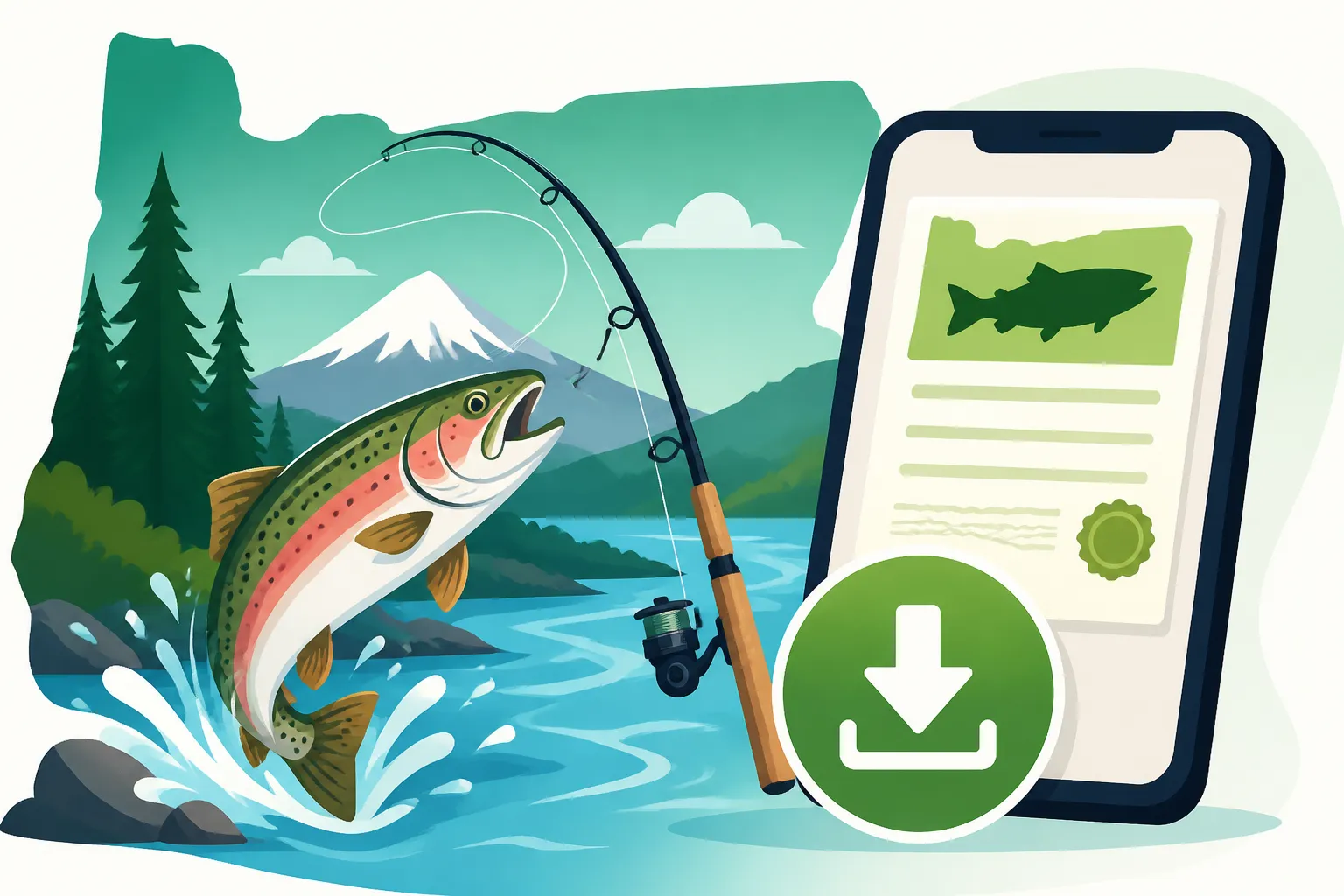
The most common way you'll receive your instant proof is through a confirmation email sent to the address associated with your ODFW account. This email will typically include an attached PDF file of your temporary license. Sometimes, the confirmation email itself, with all the relevant transaction details and license numbers, is considered sufficient as temporary proof.
It's absolutely vital to save this PDF to your phone, tablet, or computer. Don't just rely on the email staying in your inbox, especially if you're heading to an area with spotty cell service. Consider creating a dedicated folder for your fishing documents. The temporary license will clearly state that it's valid for fishing and will outline the period it covers, which is typically until your permanent license card arrives in the mail, or for the duration of a short-term license. Remember, this digital proof is your official authorization to fish in Oregon.
Why a Physical Copy Might Still Be Handy
While digital proof is perfectly acceptable, there are definitely scenarios where having a physical printout of your temporary license can save you a lot of stress. Imagine you’re deep in the wilderness, far from any cell signal, and your phone battery suddenly dies. Or perhaps your screen is cracked and unreadable in the bright sunlight. These are the moments when a printed copy shines.
Having a laminated copy or at least one tucked safely into a waterproof bag in your tackle box or wallet offers a reliable backup. For those who frequently buy licenses or need to print out fishing maps and regulations, you might even consider a small home printer. Even if you don't have one, many local libraries, print shops, or even a friend with a printer can help you get a physical copy ready. You can easily purchase printer paper and ink from retailers like Amazon if you want to be prepared at home. While you don't need to print your Oregon fishing license, it's a smart backup strategy for peace of mind.
Using Your Digital License in the Field
The moment of truth arrives when you're out on the water, rod in hand, and an Oregon State Police Trooper or ODFW game warden approaches to check licenses. Knowing how to present your digital proof confidently is key.
Presenting Your License to ODFW Officials
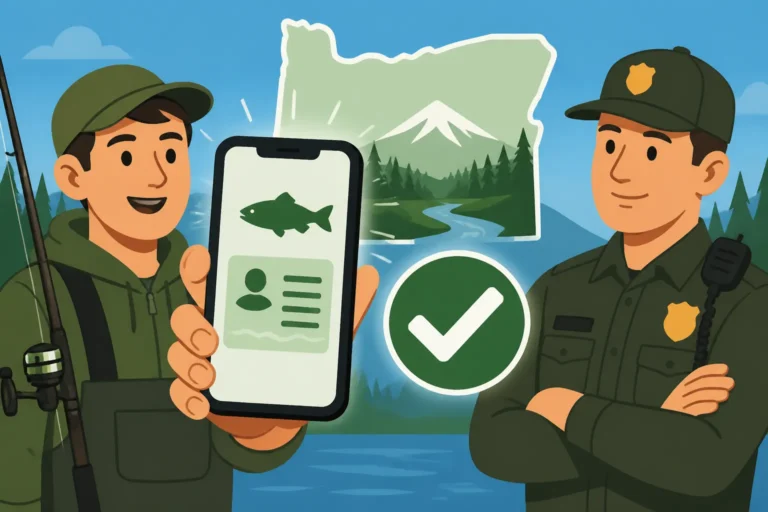
Oregon law allows you to carry your fishing license in digital format. This means you can show your license on your smartphone or other electronic device. When asked, simply open the PDF or the confirmation email on your device and present it to the official. They will be looking for your name, date of birth, the license type, and the unique license or confirmation number to verify its validity.
It's a good idea to have the document readily accessible. Don't make the warden wait while you scroll through hundreds of emails or try to download it on a shaky connection. Have it open and ready, perhaps even bookmarked or favorited, to make the process quick and respectful of everyone's time. For more details on what game wardens check, read our guide on Can a game warden check your fishing license in Oregon?.
Navigating Connectivity and Battery Life
This is arguably the biggest concern for anglers relying solely on digital proof. Many prime fishing spots, especially in the remote rivers and lakes of Oregon, have notoriously poor cell service. A dead phone battery is another common culprit for unexpected license issues.
To mitigate these risks:
- Download and Save: Always download the PDF of your license directly to your device, rather than just relying on cloud access or your email.
- Charge Up: Ensure your phone is fully charged before you head out. A portable power bank (easily found on Amazon, for example) can be a lifesaver for extending battery life throughout the day.
- Screenshot It: Take a screenshot of the key details of your license and save it to your photo gallery. This can sometimes be quicker to access than a PDF and acts as another layer of backup.
- Print a Backup: As mentioned, a physical copy is the ultimate safeguard against tech failures.
Consider these factors, and plan accordingly. Getting caught without proof of your license, even if you genuinely purchased one, can lead to fines, as detailed in our article on Oregon Fishing Violations and Penalties.
Common Post-Purchase Questions and Troubleshooting
Even with an "instant download," questions and hiccups can arise. Let's tackle some of the most frequent concerns anglers have after buying their Oregon fishing license online.
What to Do If You Don't Receive the Email
It's surprisingly common for confirmation emails to end up in spam folders, get delayed, or simply not arrive due to a typo in the email address during registration. If you've just purchased your license and the email isn't in your inbox within a few minutes, here's what to do:
- Check Your Spam/Junk Folder: This is the most frequent culprit.
- Log Back into Your ODFW Account: Your purchase history and license details should be immediately visible in your online account dashboard. Most systems allow you to re-download or resend the confirmation email from here.
- Verify Email Address: Double-check the email address listed in your ODFW account profile to ensure it's correct.
- Contact ODFW Customer Service: If all else fails, reach out to ODFW's licensing customer service. They can verify your purchase and help you get access to your digital license. Knowing How to look up an Oregon fishing license purchase directly through your account is a great first step.
Handling Special Endorsements and Tags
Oregon fishing licenses often require additional endorsements or tags for specific species or areas. For example, if you're targeting salmon or steelhead, you'll need an Oregon Combined Angling Tag. Sturgeon and halibut also have specific tagging requirements.
The "instant download" typically covers your base angling license and any endorsements you purchase simultaneously. However, physical tags for certain species (like salmon/steelhead, sturgeon, or halibut) might still need to be physically attached to your catch, as they serve as a record-keeping mechanism. While the purchase of these tags is instant, the physical tags themselves are usually mailed to you or obtained in person from an authorized vendor. Always check the specific regulations for the species you plan to target in the Oregon Fishing Regulations Explained to understand if a physical tag is required for retention. If you're concerned about having all the necessary documents, purchasing your license in person at a sporting goods store might provide immediate access to all physical tags, though online remains the quickest for the base license itself. For a full breakdown, compare Buying an Oregon Fishing License Online vs In Person.
Summary Table: Digital vs. Printed License Proof
To help you decide the best approach for carrying your Oregon fishing license, here's a quick comparison:
| Feature | Digital Proof (Phone/Device) | Printed Proof (Paper) |
|---|---|---|
| Instant Access | Yes, immediately after online purchase | Yes, if you have a printer or access to one |
| Legal Validity | Yes, accepted by ODFW officials | Yes, accepted by ODFW officials |
| Risk of Loss/Damage | Low (if backed up), but high risk if device fails/battery dies | Low (if protected), but can be lost, torn, or water-damaged |
| Connectivity Dependent | Yes, if not saved directly to device; no cell service can be an issue | No, once printed, no connectivity needed |
| Battery Dependent | Yes, device must be charged to display | No, completely independent of electronics |
| Ease of Storage | Easy to keep on device, can be shared/backed up digitally | Requires physical space, can be laminated for durability |
| Recommendation | Primary method, but with backups | Excellent backup, especially for remote trips or long days |
Ultimately, having both a digital copy saved on your phone and a printed backup is the most foolproof strategy for ensuring you're always in compliance with Oregon's fishing laws. This proactive approach ensures that whether you're fishing a bustling dock or a secluded mountain stream, you're always ready to present your valid license. Learn more about all the options in our comprehensive Oregon Fishing License Guide.
Disclaimer
The information provided in this guide is for general informational purposes only and is not intended as legal advice. Oregon fishing regulations, licensing requirements, and fees can change. Always consult the official Oregon Department of Fish and Wildlife (ODFW) website or their current regulations booklet for the most up-to-date and accurate information before engaging in any fishing activities.